
How do I buy from multiple stores?
How do I buy from multiple stores — quick answer with steps and helpful context for Javern users.
Updated 31 July 2026
Overview
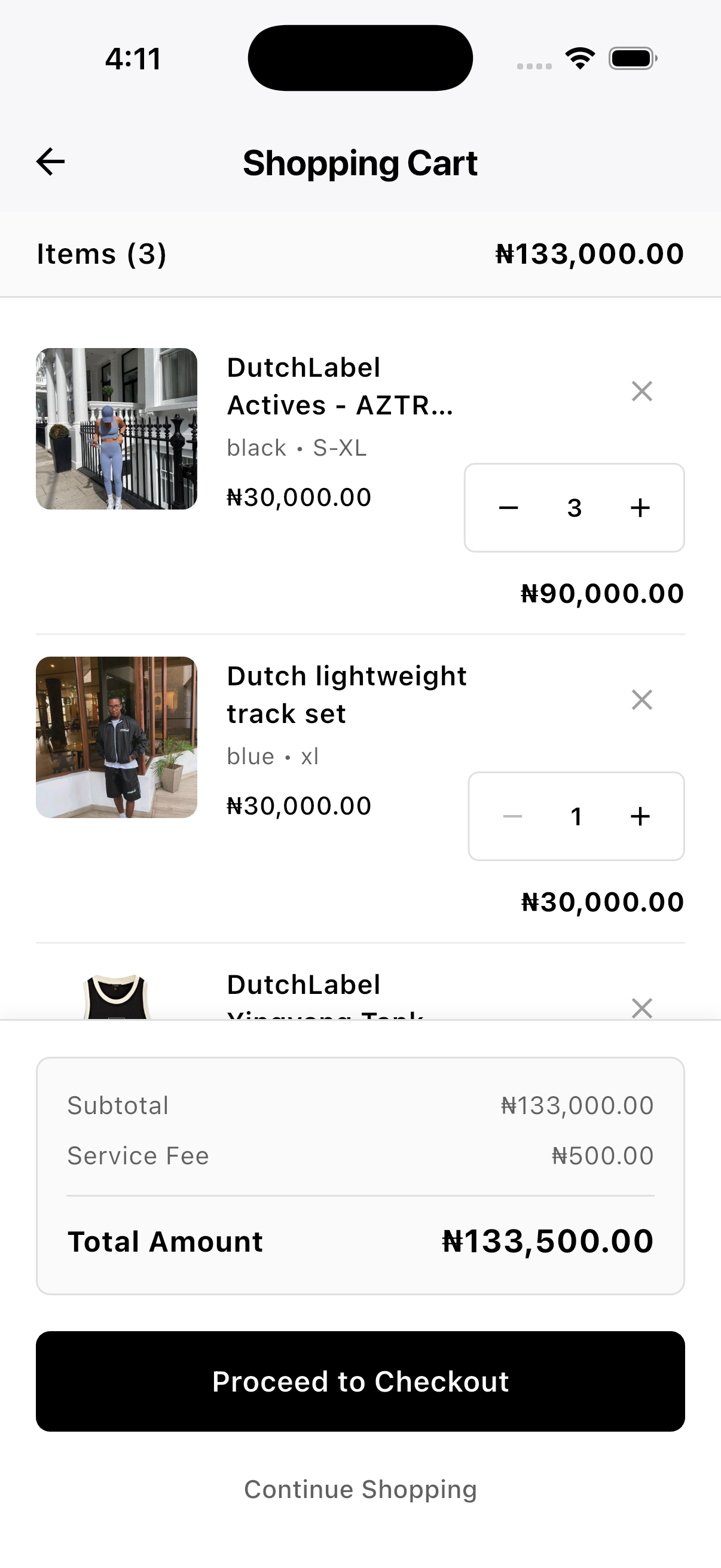
On Javern, each store you shop from gets its own separate cart — items from different stores are never mixed together. When you're ready to buy, you check out each store's cart on its own.
Buy from multiple stores
- Add products to your cart as usual — see How do I add items to my cart?.
- Keep browsing and add items from any other stores you like. Each store's items go into their own cart automatically.
- Open the cart page. You'll see a separate cart for every store you've added products from.
- Tap the store's cart you want to check out.
- Confirm your delivery address, or change it or add a new one if needed.
- Apply a discount code if you have one.
- Complete payment for that store.
- Repeat for any other store carts you want to check out.
Good to know
- Each store's cart is checked out and paid for separately.
- Each store prepares and ships its own order, so delivery times can differ.
- Refunds and returns are handled per store — you don't need to return everything together.
Still need help?
If this didn't fully answer your question, contact our support team and we'll follow up.
Was this article helpful?
Can't find what you need? Reach out to our team.