
How do I save products for later?
How do I save products for later — quick answer with steps and helpful context for Javern users.
Updated 31 July 2026
Overview
Your wishlist is where you save products you like but aren't ready to buy just yet. You can come back and check on them any time.
Save products on the mobile app
- Open the Javern App from the App Store or Google Play Store.
- Find a product you like on the home feed, in a category, or in search results.
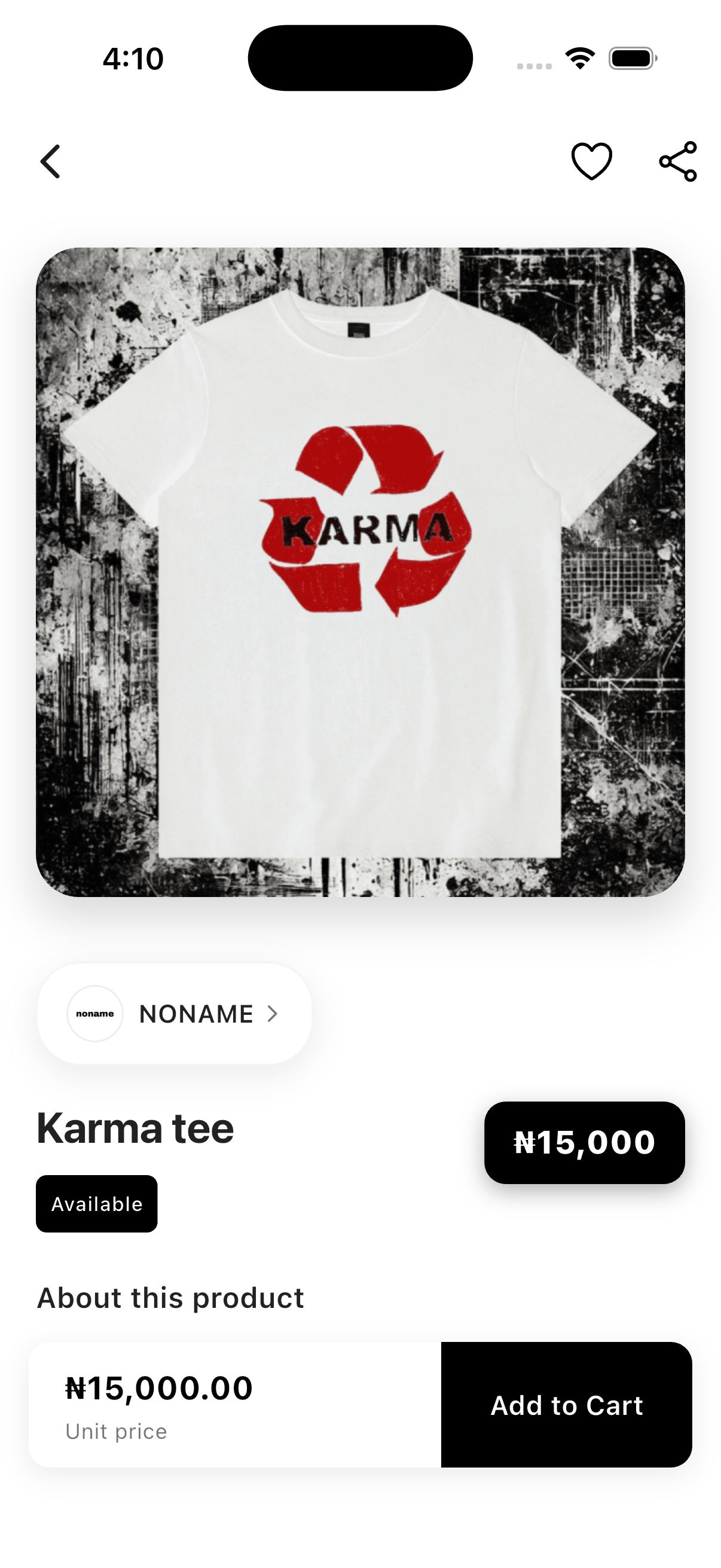
- Open the product and tap the heart at the top right.
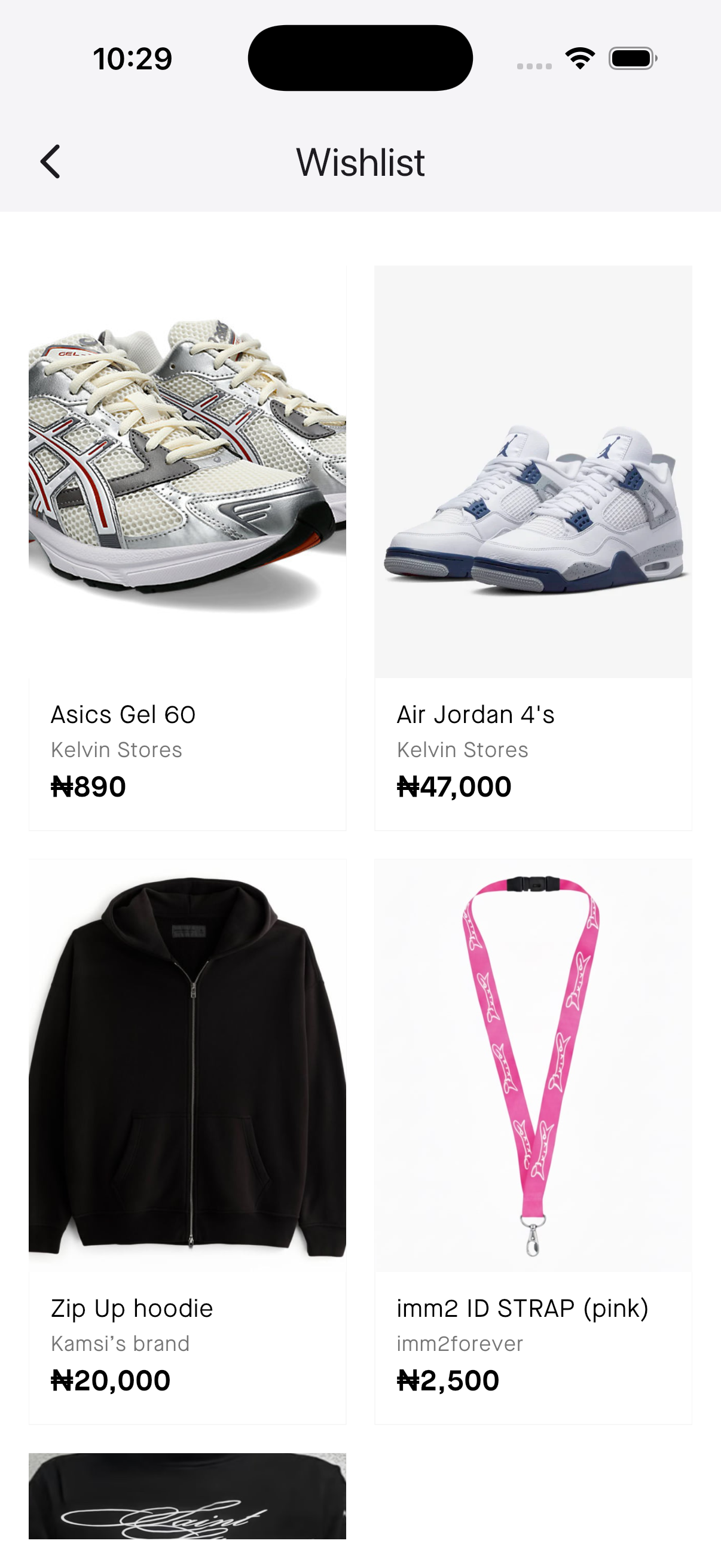
- To view your saved items, go to the home page and then click the heart icon at the top right of the screen.
Save products on the website
- Visit our website Javern and sign in.
- Hover over a product and click the heart icon, or open the product and click the heart icon.
- To view your saved items, go to the home page and then click the heart icon at the top right of the screen.
Good to know
- You need to be signed in to save products.
- Saving a product does not reserve it — it can still sell out before you buy.
- Tap the heart again to remove an item from your wishlist.
Still need help?
If this didn't fully answer your question, contact our support team and we'll follow up.
Was this article helpful?
Can't find what you need? Reach out to our team.